很多人想試試戰錘 40K,可是一整支軍隊動輒幾千到上萬塊,沒玩過就先買模型壓力真的不小。Tabletop Simulator(TTS)是 Steam 上的桌遊沙盒,上面有人做好了一整套第十版的地圖、模型與數值卡工作坊,你完全不用買模型,就能在電腦前把一場 40K 跑完,感受一下節奏跟規則流程。
Buying a full 40K army is a big commitment before you've played a single game. Tabletop Simulator (TTS) on Steam is a digital tabletop sandbox, and a community member has built a complete 10e map, model, and stat-card workshop for it — meaning you can play an entire game of 40K from your desk without owning a single miniature.
我在原作者 Hutber 同意下,把對應的 Hutber Workshop 翻成繁體中文,順手加了一份給新手看的說明。英文讀者可以直接用原版工作坊,下面是怎麼開始。
The workshop I'm pointing to is Hutber's 40k Competitive 10e Map — the original English build, maintained by Hutber and regularly updated for competitive play (Chapter Approved, WTC/UKTC maps). Here's how to get it running.
你會需要的東西What you'll need
只要買過 TTS 一次,之後訂閱工作坊模組都是免費的。社群現在已經有以第十版為基礎的模型、地圖跟骰子工具可以直接套用。
TTS itself is a one-time purchase; everything you need from the workshop afterwards is free. The community has already packaged 10e models, maps, and dice tools ready to drop in.
三個步驟開局Three steps to get a game running
-
準備軍表Build your list NewRecruit · yellowscribe
先選好你想玩的陣營,用 NewRecruit 或本站的軍表計算器把清單拉出來,匯出成 yellowscribe 格式。這份檔案等一下會拿去 TTS 裡綁模型數值。操作過程建議直接看影片比較快。
Pick a faction and draft a list — use NewRecruit or the builder on this site — then export it as a yellowscribe file. You'll feed this into TTS in the next step to attach stats to the models. The video walks through the export flow step by step.
-
綁定數值卡Bind the stat cards ForceOrg
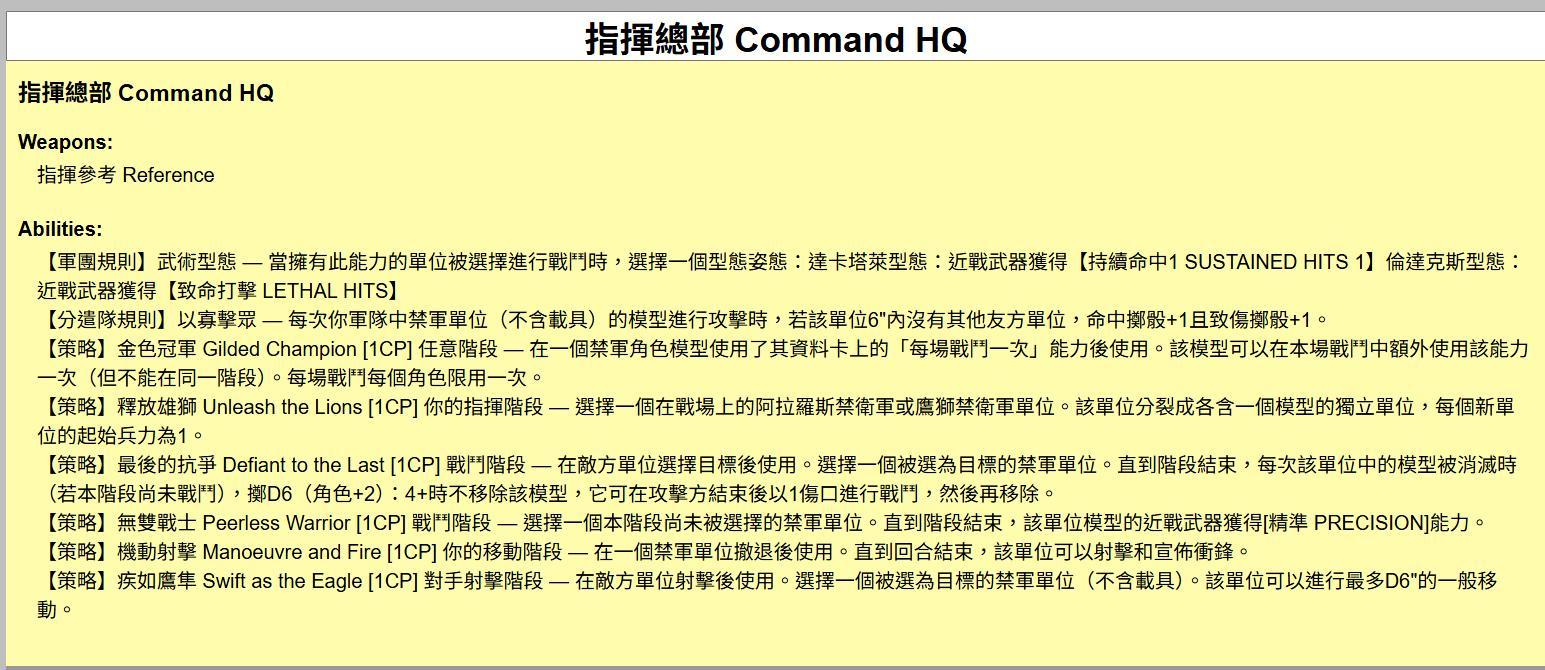
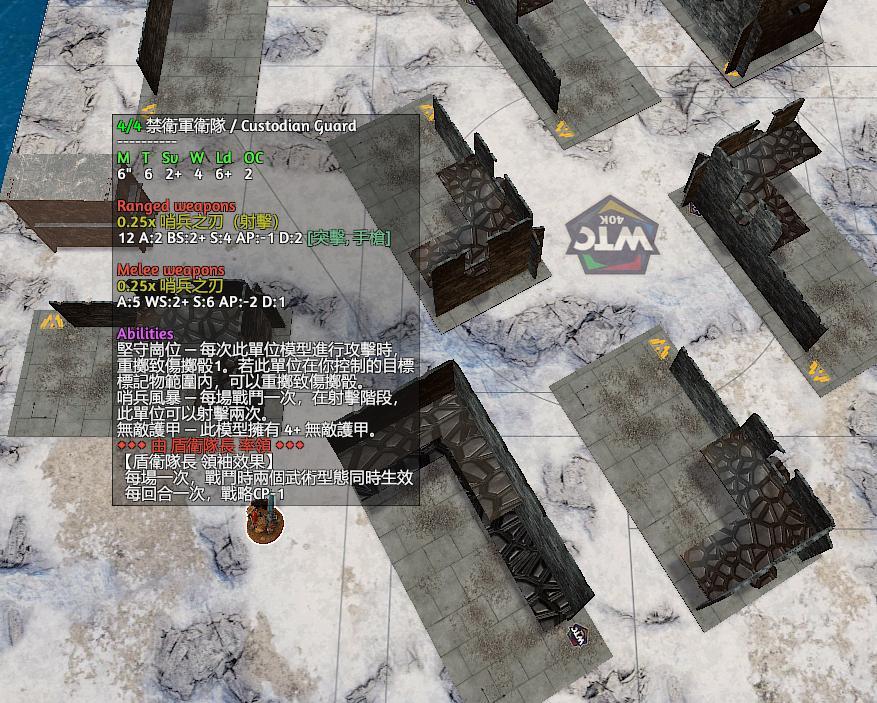
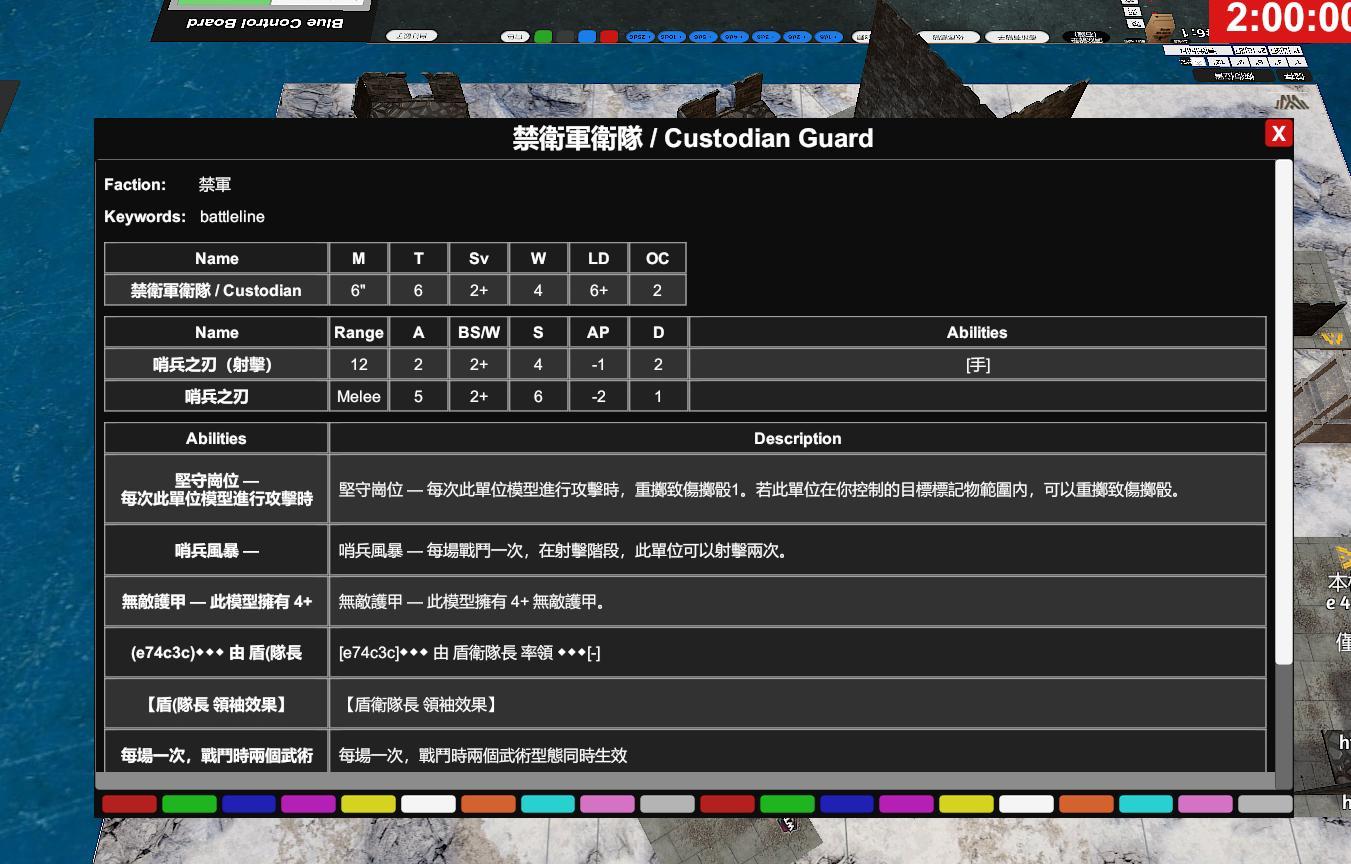
打開工作坊裡的 ForceOrg 工具,把剛剛匯出的 yellowscribe 貼進去,它會把你的清單轉成數值卡然後一張一張綁到對應模型身上。綁完每個模型上方都會有自己的資料卡,戰鬥中滑過去就能直接看武器、屬性跟能力。
Open the ForceOrg tool inside the workshop, paste in the yellowscribe export, and it'll spin up a stat card for every model in your list and attach it to the right miniature. After that, hovering any model mid-game brings up its full datasheet — weapons, stats, abilities.
-
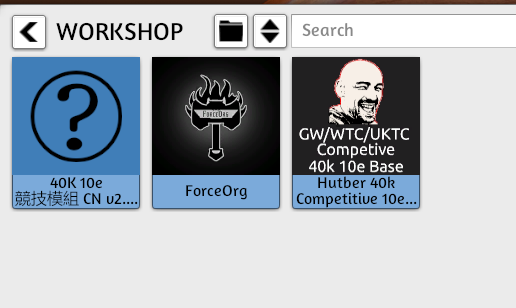
開始打一場Play a game 40K 10e Competitive CN v2.10 40K 10e Competitive · GW / UKTC / WTC maps
載入 40K 10e 競技模組 CN v2.10 就可以開打。地圖、骰子、量距工具都已經放好,對手可以是朋友(Steam 邀請)也可以自己單機練一練走位、射擊、近戰流程。
Load up the 40K 10e Competitive Map and you're ready to play. Tournament tables (GW, UKTC, WTC), dice, and measuring tools are all pre-placed — jump in with a friend via Steam invite, or solo-play both sides to rehearse movement, shooting, and melee.
拿到工作坊Grab the workshop
繁中版目前最新是 CN v2.10(4/13 更新),直接到 Steam 按訂閱就會載到 TTS 裡。
The original English build is at v1.7.6 (updated 7 Apr). Subscribe on Steam and it'll show up inside TTS.
一點小堅持:我有加一些方便新手的說明跟計算輔助,但該擲的骰子還是要自己擲、該判斷的結果還是玩家自己決定。桌遊的感覺在於那個拿骰、量尺、跟對手討論規則的過程,所以我刻意沒有把它自動化成一台伺服器,比較像一份「螢幕上的實體桌遊」。
About the mod's design: Hutber's workshop ships handy shortcuts — Instant-6 rolls, 9"/12" bubble hotkeys, pre-measured maps — but the core flow is still: you pick up dice, you move the ruler, you call the outcome with your opponent. Nothing is auto-adjudicated. That's the point — it's a physical tabletop game that happens to live on a screen.
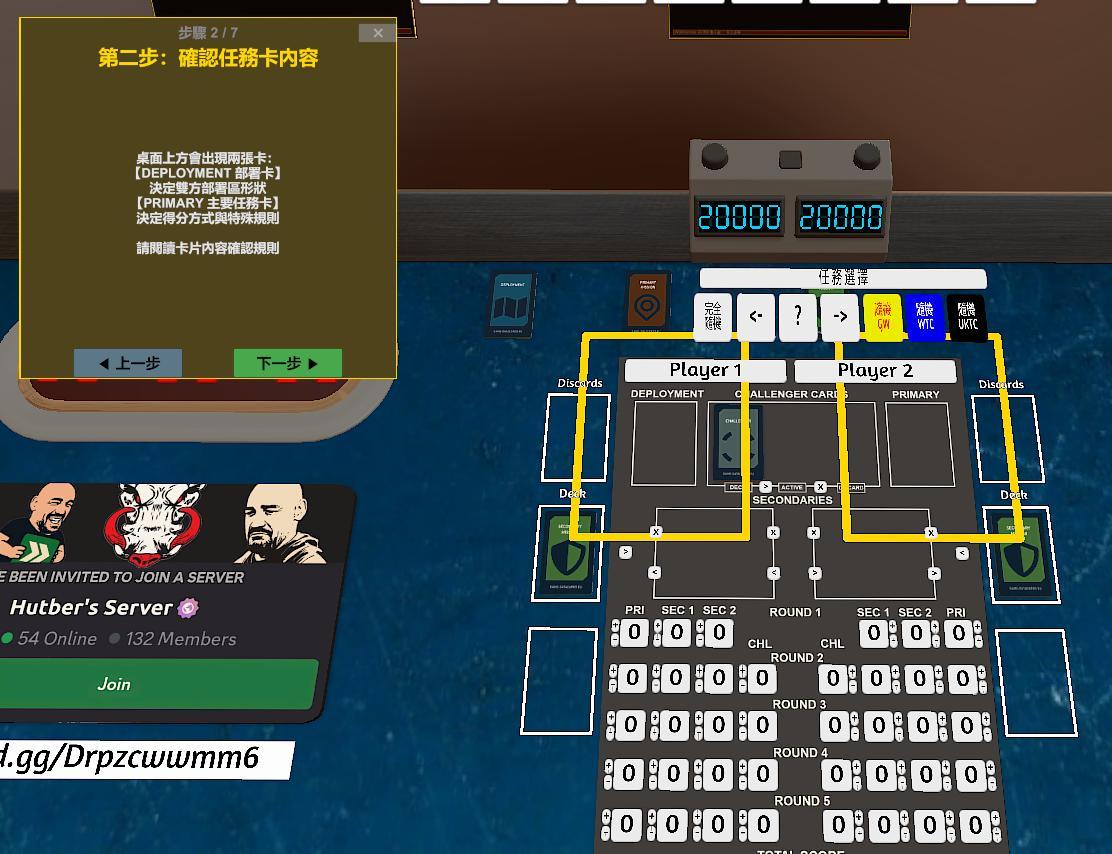
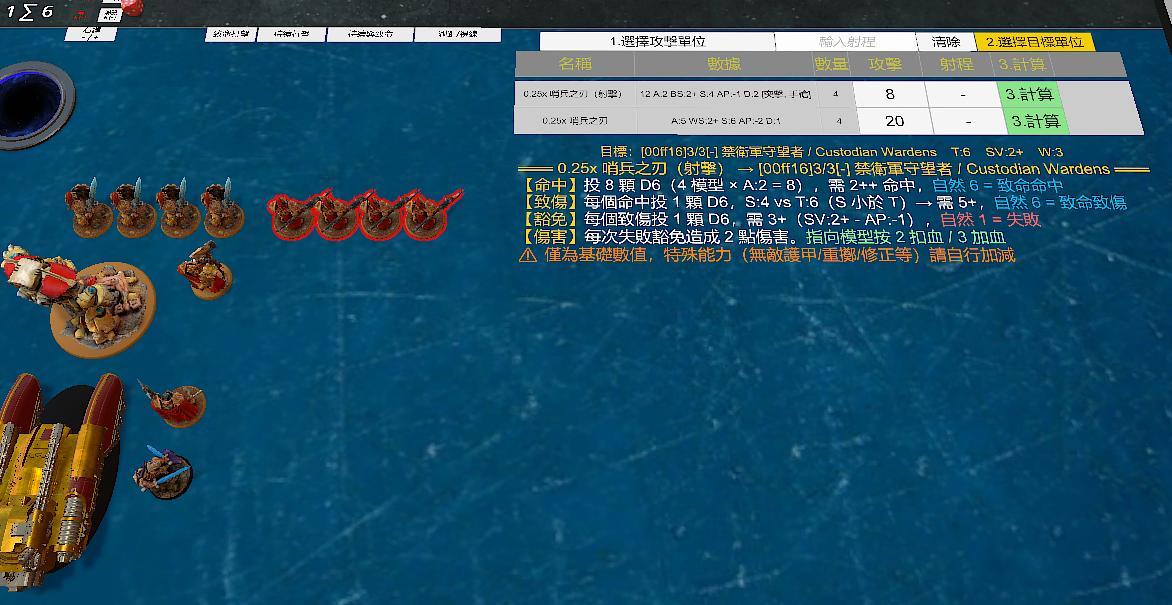
遊戲畫面截圖In-game screenshots
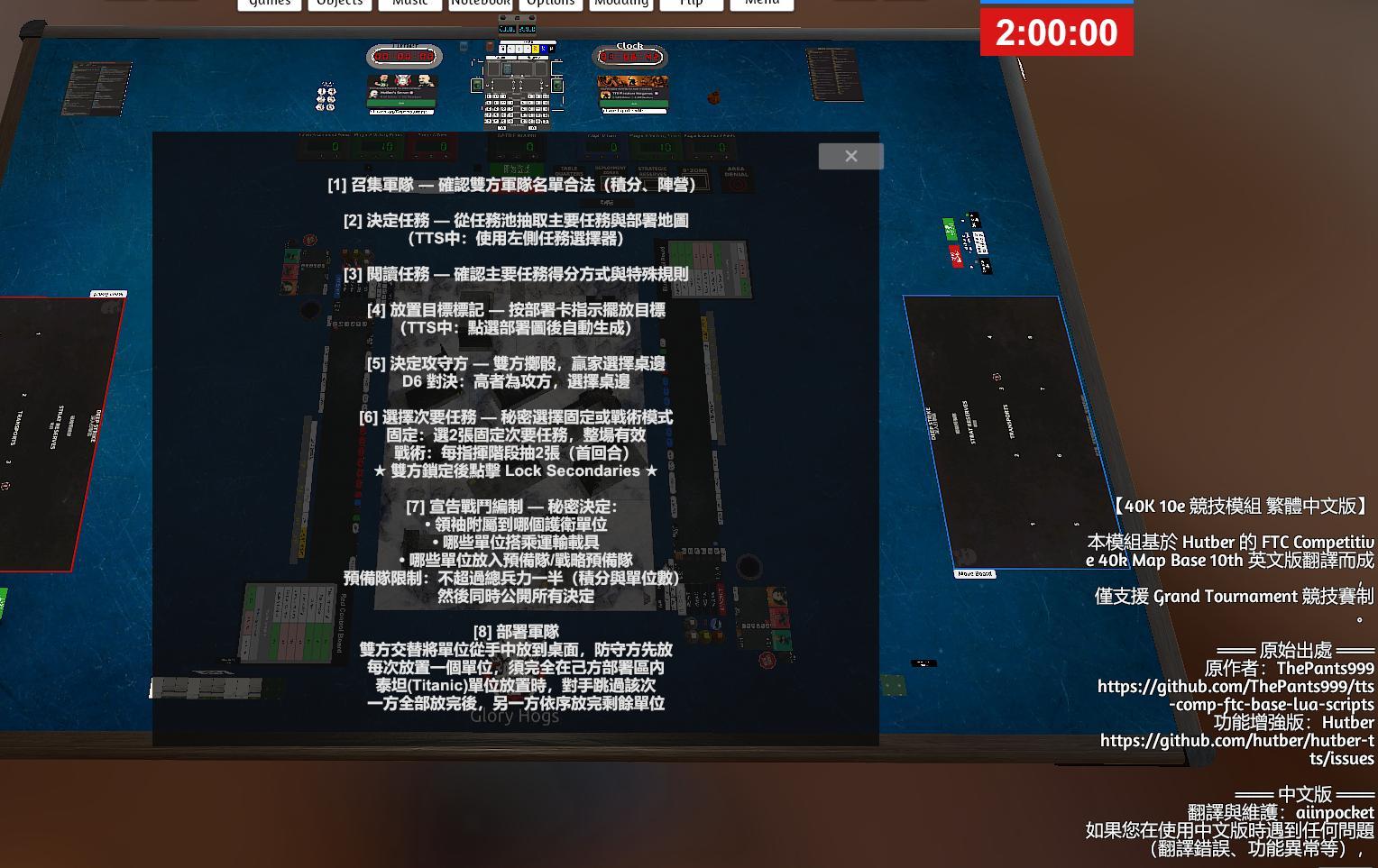
以下畫面均為繁中版(CN v2.10)的實際遊戲截圖。
All screenshots below are from the Traditional Chinese build (CN v2.10). The original English workshop shares the same layout and UI.